Lesson Nº1
CCWEAROS.
Could I talk to Claude Code from my watch?
AI loop, no sound · 12s
- Door: Can it even be done?
- Idea, design and direction of the build
- TypeScript + Kotlin for Wear OS
- 2026
- Live, I use it every day
The blank page
Before this, Claude Code lived on my Mac and I was off doing whatever the rest of my day needed. Every permission prompt meant walking back to the desk to read it and tap yes so the work could keep going. One afternoon I looked at my watch and wondered if I could just do that from there. I had no real goal and no use case written down, I only wanted to know if it could be done, so I started asking the AI for strange things to see how far it would go.
The studio wall
scroll sideways →
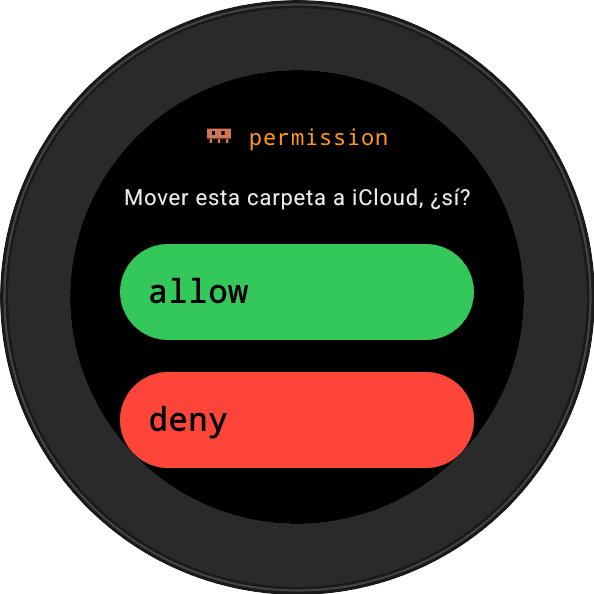
the permission prompt, on my wrist
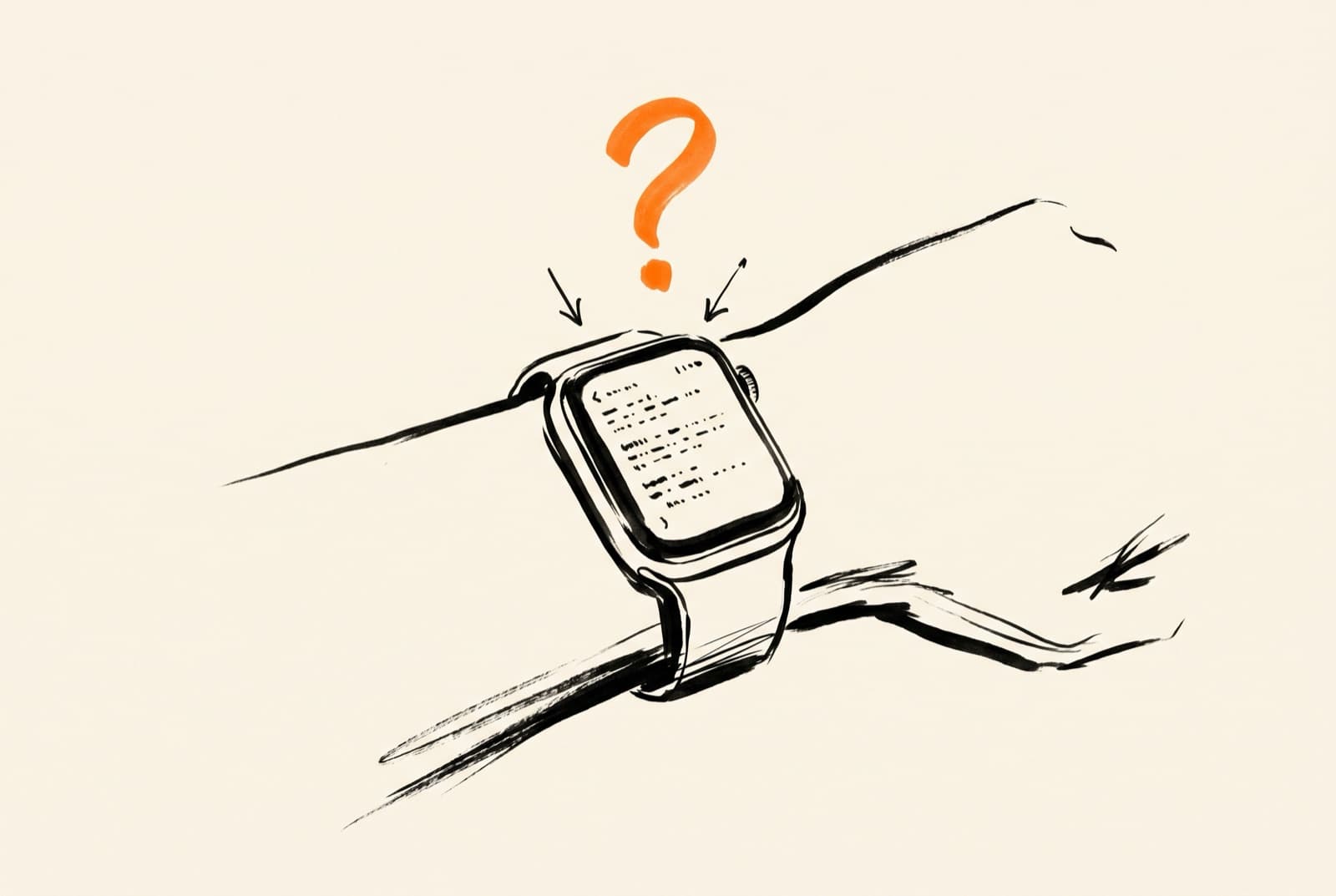
AI keyframe of the watch, before animating
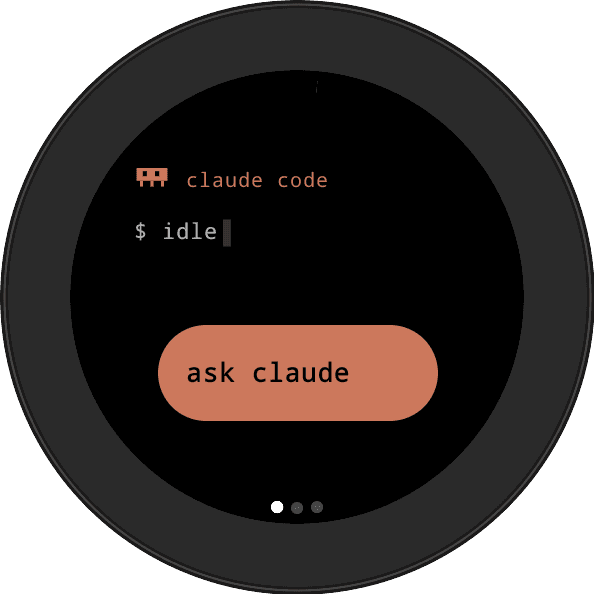
the command screen where I talk to Claude Code

portrait at the desk, a mix of photo and AI
Honest weaknesses
The crit
I built it for an audience of one. It assumes my exact setup, a Mac running Claude Code and a Wear OS watch, and anyone outside that combination has real work to do before the bridge runs.
Voice prompting sounds great until you dictate a file path. The watch mangles technical words and the screen's too small to fix them, so anything precise still sends me back to the keyboard.
Approving from the wrist made approving too comfortable. Some days I tap yes before I've finished reading what I'm authorizing, and that prompt is there so a human reads it.
Shipped & taught
- Shipped 2026
- From git init to running on my wrist in 8 days
- Open source at github.com/caamanoluismiguel/ccwearos
- TypeScript + Kotlin for Wear OS
What this taught me
There was no business reason for this one and it still turned into something I use every day, and the Android work I figured out here is what made Lazarus 360 possible. The funny part is that I kind of miss walking back to the desk, because that was when I actually read what I was about to approve.